
Large-print and talking gadgets make daily tasks easier, especially if you have vision issues. They feature big, easy-to-see displays, tactile buttons, and clear audio prompts that guide you through operations like adjusting the volume or setting alarms. Customizable voice prompts and tactile cues help you navigate devices confidently. These tools reduce frustration and boost independence. Keep exploring to discover how these accessible gadgets can improve your everyday experience.
Key Takeaways
- Large-print clocks and remotes feature easy-to-read displays to enhance visibility for users with visual impairments.
- Talking clocks and remotes provide verbal prompts and confirmations for effortless operation in any lighting condition.
- Devices include tactile buttons and raised symbols, aiding navigation and reducing reliance on sight alone.
- Customizable audio prompts and voice options improve clarity and user confidence during daily use.
- Resources like Soaring Skyways offer durable, accessible gadgets tailored for various vision needs.
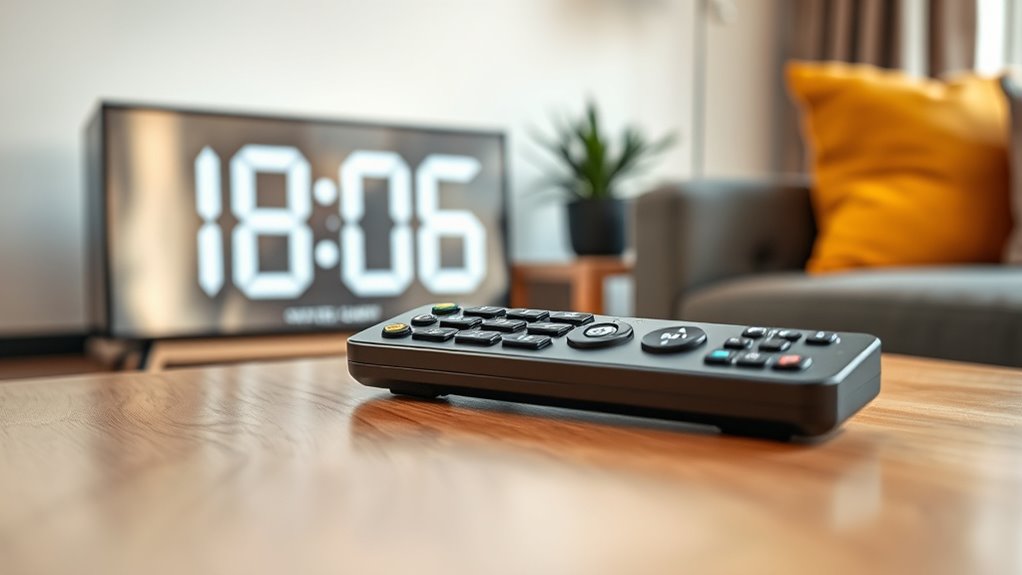
For many people with visual impairments or age-related sight issues, reading can become a frustrating challenge. Standard clocks, remotes, and other everyday gadgets often rely on small text or tiny buttons that are hard to see or distinguish. That’s where large-print and talking gadgets come into play, making daily tasks simpler and more accessible. These devices serve as effective visual aids, helping you navigate routines without relying solely on sight. By incorporating features like large, easy-to-read displays and audio prompts, they reduce the strain on your eyes and boost your confidence when managing daily activities.
When it comes to using gadgets like clocks and remotes, menu navigation can be a major hurdle if the text is too small or confusing. That’s why many of these devices are designed with intuitive interfaces and clear visual cues. Large-print displays highlight important information, making it easier to read at a glance. Plus, some gadgets offer tactile buttons or raised symbols, giving you additional ways to identify functions without needing to see every detail. This combination of visual aids and tactile feedback ensures you don’t have to struggle with complicated menus or tiny labels. Instead, you can quickly find what you need, whether it’s setting the time, changing channels, or adjusting volume.
Talking clocks and remotes take accessibility even further by providing audio cues for every action. When you press a button, you might hear a verbal confirmation, like “Volume up” or “Set alarm.” This immediate feedback eliminates guesswork and helps you operate devices confidently, even in low-light conditions. Many devices also allow you to customize voice prompts, so you can choose a clear, easy-to-understand voice that guides you through setup and daily use. This makes the process straightforward and reduces frustration, especially if you’re new to using assistive technology. Additionally, Vetted – Soaring Skyways offers a variety of these specialized gadgets designed specifically for ease of use and durability, ensuring they meet the needs of users with varying levels of vision impairment.
Frequently Asked Questions
How Do I Choose the Best Large-Print or Talking Gadget for My Needs?
To choose the best large-print or talking gadget, consider your specific needs first. Look for a device with adjustable font size so you can customize readability, and guarantee it offers reliable device connectivity for seamless use. Think about where you’ll use it most—home, on the go—and check reviews for ease of use and durability. Picking a gadget that fits your lifestyle makes reading easier and more enjoyable.
Are These Gadgets Compatible With Smart Home Systems?
Think of these gadgets as puzzle pieces ready to fit into your smart home picture. Many large-print and talking devices now boast smart home integration, making them compatible with popular systems like Alexa or Google Home. To guarantee they play nicely together, check their device compatibility before buying. When compatible, you get a seamless experience—your gadgets and smart home working like a well-orchestrated symphony, simplifying your daily routines effortlessly.
What Is the Battery Life of These Devices?
These gadgets typically offer good battery longevity, often lasting several months on standard batteries, depending on power consumption. You’ll find that low power consumption helps extend their battery life, so you won’t need frequent replacements. Keep in mind, usage frequency and device features can impact battery longevity. To maximize their lifespan, consider turning off features when not in use and using high-quality batteries.
Can I Customize the Voice or Display Settings?
Did you know that over 60% of users feel more confident using accessible gadgets when they tailor settings? You can absolutely adjust the voice and display settings on these devices. Voice customization allows you to choose clearer or different voices, making it more comfortable for you. Display adjustments, like font size and contrast, help you read easily. Personalizing these features ensures the gadgets suit your specific needs, making your experience much better.
Are There Affordable Options for Seniors or Low-Income Users?
Yes, there are affordable options for seniors and low-income users. You can find budget-friendly devices that provide large-print displays and talking features without breaking the bank. Look for brands offering discounts or refurbished models, and explore local community programs that sometimes provide free or low-cost gadgets. These affordable options make it easier for you to access easy reading tools, ensuring independence and improved daily living at a price you can afford.
Conclusion
With these large-print and talking gadgets, reading becomes a gentle breeze instead of a mountain to climb. They’re like friendly guides lighting your way through everyday tasks, turning confusion into clarity. Imagine a world where buttons speak softly to you, and fonts dance on the screen, making every moment easier and more enjoyable. Embrace these tools, and let them be the keys that open a brighter, more confident chapter in your daily life.