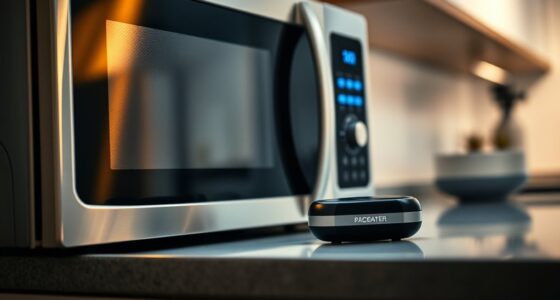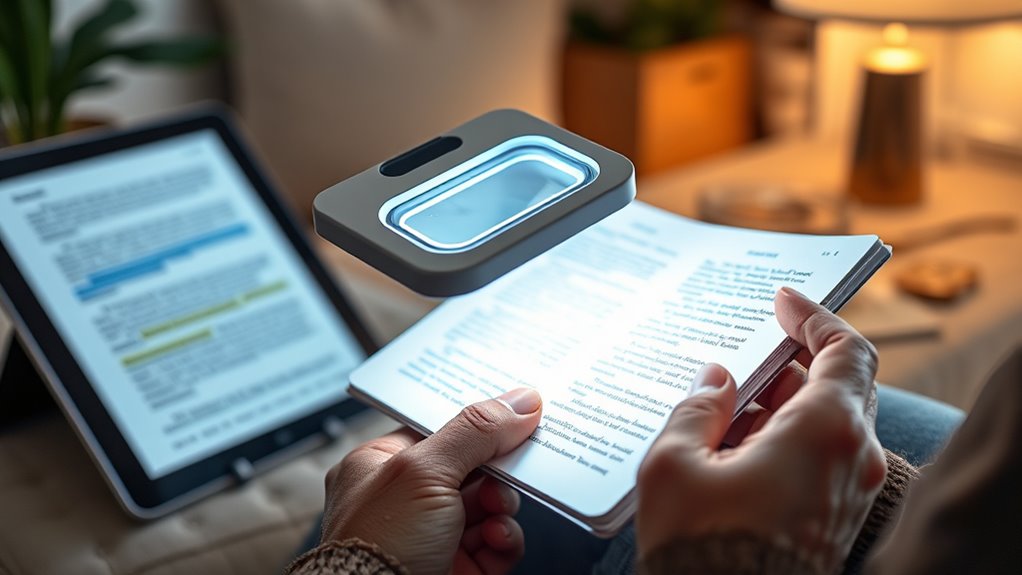

If you have low vision, many gadgets can help you see and understand better. You might use magnifying glasses or electronic magnifiers to enlarge text and images. Large-button phones and bright, adjustable reading lights make communication and viewing easier. Digital tools like screen readers and smart glasses add convenience and independence. Wearable devices and contrast enhancers further improve visibility. Keep exploring to discover the solutions designed to make your daily life clearer and more comfortable.

Turn quiet afternoons into listening time
- Thousands of audiobooks, podcasts and originals
- Listen on your phone, tablet or Echo — also offline
- Cancel anytime
Key Takeaways
- Electronic magnifiers and video magnifiers enhance reading by providing adjustable zoom and high-contrast displays.
- Large-button, high-contrast telephones simplify communication for low-vision seniors.
- Bright, adjustable reading lights improve visibility and reduce eye strain during reading activities.
- Screen readers and text-to-speech devices facilitate digital reading and navigation without eye strain.
- Wearable devices like smart glasses enhance object recognition and text reading in real-time.
Magnifying Glasses and Handheld Magnifiers

Magnifying glasses and handheld magnifiers are simple yet effective tools that can markedly enhance everyday tasks for seniors with low vision. These reading accessories serve as essential visual aid tools, making reading labels, menus, or medication bottles much easier. Their portability allows you to carry them anywhere, providing quick assistance whenever needed. By enlarging text and images, these magnifiers reduce eye strain and improve reading comfort. Whether you choose a magnifying glass with a built-in light or a small handheld device, they offer immediate, affordable help for daily activities. Additionally, selecting magnifiers with high-quality lenses can further improve clarity and durability, making them even more effective. These tools are especially useful for those who prefer non-electronic options, giving you independence and confidence in managing your visual needs effortlessly.
Electronic Magnifiers and Video Magnifiers

Electronic and video magnifiers are advanced tools that provide larger, clearer images to help seniors with low vision read and see more easily. They use digital magnification to enlarge text and objects, offering customized visual enhancement options. With adjustable zoom levels, you can focus on fine details or view larger areas, making reading books, labels, or screens much simpler. Many models feature high-contrast displays and adjustable brightness, reducing eye strain. These devices often connect to screens or monitors for even greater visibility. Their real-time digital magnification allows you to see images clearly without losing quality. Incorporating Free Floating design principles can further enhance ease of use and comfort during extended use. Additionally, many of these devices are designed with ergonomic features to minimize fatigue and improve handling. Enhanced accessibility features can also be integrated to support different visual needs and preferences, and understanding the lease options for purchasing or leasing such devices can help users find flexible financial solutions. Leveraging assistive technology can significantly improve the quality of life for low-vision seniors by providing more independence and ease in daily activities.
Large-Button and High-Contrast Telephones

Large-button and high-contrast telephones make it easier for you to see and press the right numbers quickly. Features like easy dial buttons and bright, visible keys help you stay connected without frustration. These phones are designed to simplify calling for those with low vision. Additionally, incorporating user-friendly design principles inspired by advances in nanotechnology can further enhance their accessibility and functionality. For example, ergonomic design can reduce strain and improve ease of use during prolonged conversations. Moreover, leveraging innovative cloud solutions can enable remote customization and updates to optimize user experience and accessibility features. Incorporating field-of-view considerations from astronomy equipment can also help in designing screens and displays that are easier to read for low-vision users. Implementing assistive technology integration can further improve overall usability for seniors with visual impairments.
Easy Dialing Features
For seniors with low vision, having a phone with easy dialing features can make a significant difference in daily communication. Large, high-contrast buttons help you see and press the right numbers easily, reducing frustration. Many phones now include voice command options, allowing you to call loved ones or emergency services simply by speaking. This feature is especially useful if you struggle to locate buttons or see small print. Emergency dialing is also simplified with speed dial buttons or one-touch options, so you can quickly connect in urgent situations. These features give you independence and confidence, ensuring you stay connected without unnecessary hassle. Incorporating accessible design features such as tactile markers and adjustable contrast can further enhance usability for low-vision users. Additionally, choosing phones with user-friendly interfaces can help minimize confusion and make everyday use more straightforward.
Bright, Visible Buttons
Are you finding it hard to see and press the right buttons on your phone? Bright, visible buttons with large icons make a big difference. They help you quickly identify the correct keys and reduce mistakes. Phones designed for low vision often feature high-contrast colors, making the buttons stand out against the background. Tactile feedback is also vital—it lets you feel when you’ve pressed a button, giving you confidence you’ve made the right selection. These features combine to make dialing easier and safer, especially if you struggle with vision loss. Large, bright buttons with tactile feedback turn your phone into a more accessible device, helping you stay connected without frustration. Additionally, choosing devices with reliable performance metrics can ensure long-term usability and satisfaction. Incorporating ergonomic design features can further enhance comfort and ease of use for seniors. Utilizing user-centered design principles can make these gadgets even more intuitive for low-vision users. Being aware of specialized accessibility features in various devices can help you select the best options for your needs. As technology advances, adaptive gadgets continue to improve, offering more tailored solutions for those with vision impairments. With these simple upgrades, you can enjoy more independence in everyday communication.
Bright, Adjustable Reading Lights
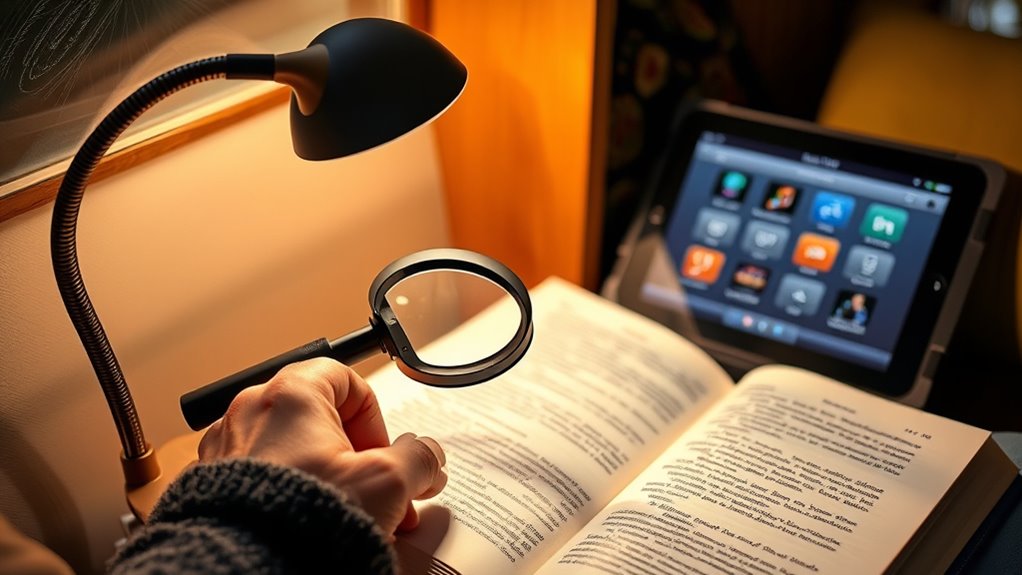
Bright, adjustable reading lights can make a significant difference for seniors with low vision, helping them see clearly without straining their eyes. Good lighting design is essential for ideal visual comfort, allowing you to customize brightness levels and focus illumination exactly where you need it. These lights reduce glare and shadows, making reading easier and more comfortable. Look for models with flexible arms or dimmable features so you can adjust the light to suit different tasks or times of day. Proper lighting not only improves visibility but also minimizes eye fatigue. Additionally, choosing lights with vetted wave and wind features ensures reliable performance and durability. Well-designed lighting can also prevent disruptive glare, further enhancing visual comfort. Incorporating lighting technology that adapts to your environment can help optimize your visual experience. To ensure long-term satisfaction, select lights that are tested for safety and energy efficiency, which can help reduce operating costs over time. Using lights with customizable brightness allows for better adaptation to various lighting needs and preferences. By choosing bright, adjustable reading lights, you create a well-lit environment that enhances your ability to read, see objects, and enjoy daily activities with greater ease and confidence.
Screen Readers and Text-to-Speech Devices

Screen readers and text-to-speech devices offer essential accessibility features that make digital content more navigable. You’ll find popular options tailored for low-vision users, along with helpful tips to maximize their benefits. Understanding how to use these gadgets effectively can greatly enhance your daily digital experience. Additionally, exploring technologies that unlock better results can provide practical insights into optimizing device performance.
Accessibility Features Overview
Have you ever wondered how low-vision seniors can navigate digital devices more easily? Accessibility features like screen readers and text-to-speech devices are essential assistive technologies that make this possible. These tools convert on-screen text into spoken words, allowing users to understand content without relying on their sight. They work seamlessly with smartphones, tablets, and computers, providing a hands-free experience. While mobility aids help with physical navigation, these auditory features focus on digital accessibility. By integrating these assistive technologies, seniors gain greater independence and confidence when using technology. Overall, accessibility features bridge the gap between visual limitations and digital interaction, ensuring that low-vision seniors can read, browse, and communicate effectively in everyday life.
Popular Device Options
Are you curious about which devices best support low-vision seniors in maneuvering digital content? Popular options include screen readers and text-to-speech devices that convert text into audio, making reading easier. These gadgets align with current fashion trends in accessible tech, blending sleek design with functionality. They also adapt to evolving healthcare policies promoting digital inclusion for seniors. Using these devices, you can navigate websites, e-books, and apps without straining your eyes. Many models offer customizable voices and speed controls, ensuring a comfortable listening experience. As technology advances, these tools become more intuitive and stylish, helping you stay connected and independent. Choosing the right device depends on your needs and preferences, but these options are proven to enhance daily digital interactions effortlessly.
Usage Tips and Tricks
To get the most out of your screen readers and text-to-speech devices, start by customizing their settings to suit your preferences. Adjust the voice command options to make controlling your device intuitive and easy. Experiment with different speech rates and volumes to find what’s most comfortable for you. Enable tactile feedback if available, so you can feel vibrations or other cues that confirm your actions. Use voice commands to navigate hands-free, which can boost your confidence and independence. Regularly update your device’s software to access new features and improvements. Practice using shortcuts and gestures, and familiarize yourself with the device’s layout. These tips help maximize usability, making your reading experience smoother and more enjoyable.
Smart Glasses and Augmented Reality Solutions
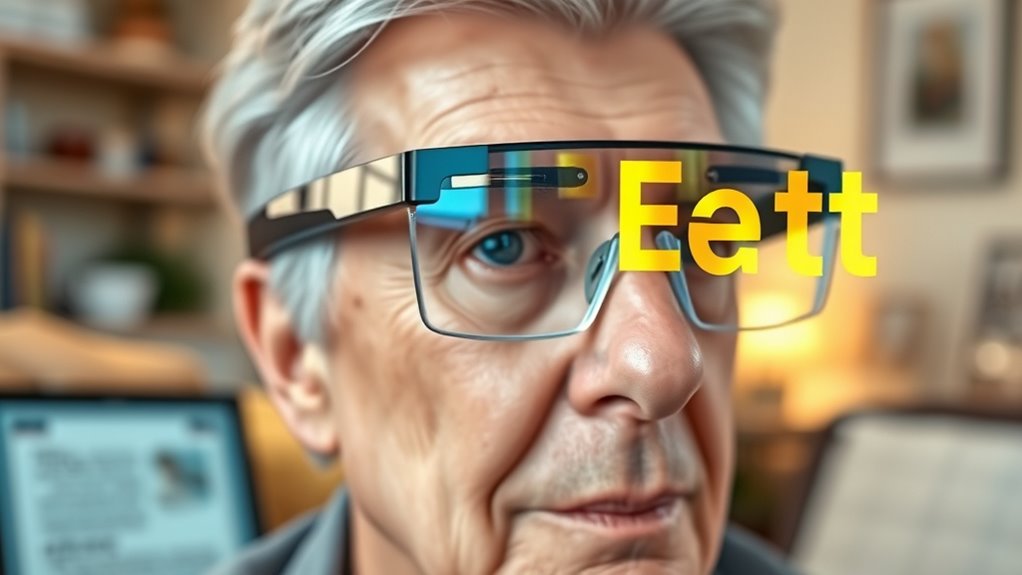
Smart glasses and augmented reality (AR) solutions are transforming how low-vision seniors navigate their surroundings. These devices enhance vision by overlaying digital information onto real-world views, making daily tasks easier. With smart glasses, you can identify objects, read text, or recognize faces without straining your eyes. AR applications provide real-time guidance, helping you move confidently indoors or outdoors. Many devices are lightweight and easy to wear, offering hands-free convenience. They also connect to smartphones for updates and customization. Here’s a quick overview:
| Feature | Benefit |
|---|---|
| Object Recognition | Identify items quickly |
| Text-to-Speech | Read signs and labels aloud |
| Face Recognition | Recognize familiar faces |
Color and Contrast Enhancement Tools

Color and contrast enhancement tools play a crucial role in helping low-vision seniors distinguish objects and navigate their environment more easily. Using color filters, you can modify the visual spectrum to enhance specific hues, making objects stand out more clearly. These filters can be applied through specialized glasses or digital displays. Additionally, adjusting contrast settings on devices or in software allows you to increase the difference between text and background, reducing visual strain. This customization helps you read menus, labels, and screens with greater ease. By optimizing color and contrast, you improve your ability to recognize objects, read signs, and see details that might otherwise be difficult to perceive. These tools empower you to see more clearly and interact confidently with your surroundings.
Wearable Assistive Devices for Enhanced Vision
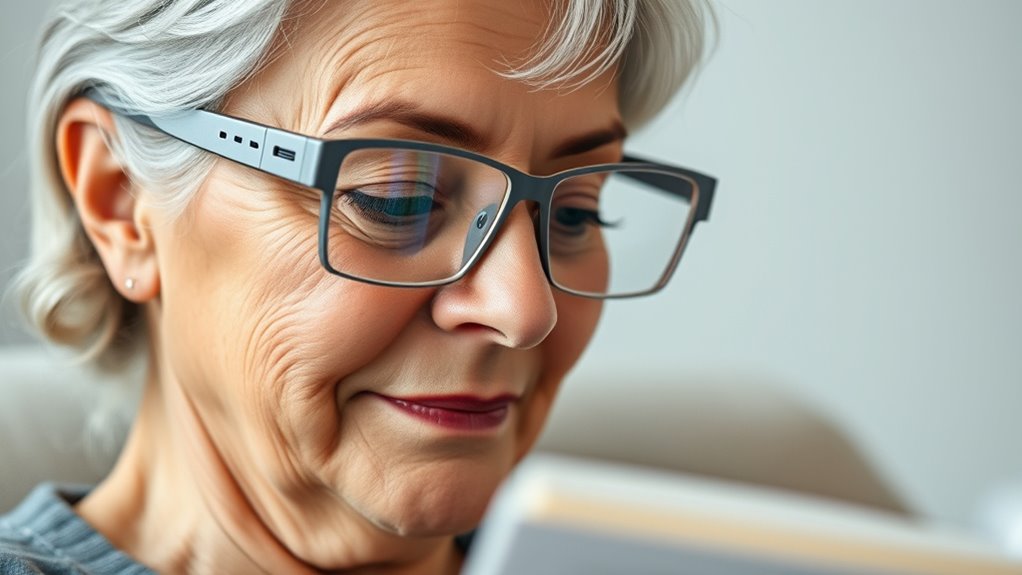
Wearable assistive devices for enhanced vision offer a practical way for low-vision seniors to improve their daily interactions with the environment. These devices, such as smart glasses, provide real-time image processing and magnification, making objects clearer and text easier to read. To guarantee optimal performance, you should regularly perform visual aid maintenance, like cleaning lenses and updating software. Proper assistive device ergonomics ensure comfort during extended use, reducing strain and fatigue. Here’s a quick comparison:
| Feature | Benefits | Considerations |
|---|---|---|
| Magnification Options | Clarifies tiny text and details | Adjustability for comfort |
| Camera Quality | Sharp, clear visuals | Ensures reliable image capture |
| Battery Life | Longer usage time | Rechargeability and portability |
| User Interface | Easy to operate | Intuitive controls |
| Compatibility | Works with other devices | Seamless integration |
These gadgets empower you to see better and maintain independence.
Frequently Asked Questions
How Do I Choose the Best Gadget for My Specific Vision Needs?
You should start with a personalized assessment by consulting an eye specialist or low-vision expert to identify your specific needs. Consider your user preferences, such as portability, ease of use, and compatibility with your daily routine. Test different gadgets like magnifiers or electronic readers to see what feels most comfortable and effective. This approach guarantees you select a gadget that truly enhances your vision and suits your lifestyle.
Are These Devices Suitable for All Types of Low Vision Impairments?
These devices, including reading aids and visual magnifiers, are designed to assist many types of low vision impairments. However, their suitability depends on your specific condition. For example, some magnifiers work well for moderate loss, but may not be ideal for severe impairments. It’s best to consult an eye care professional who can recommend the most effective reading aids tailored to your needs.
What Is the Typical Cost Range for These Vision Assistive Gadgets?
Imagine the range of options as a spectrum of possibilities. Typically, vision assistive gadgets cost between $50 and $2,000, depending on features and sophistication. You should consider your budget and explore various pricing options that suit your needs. While some devices are affordable and straightforward, others offer advanced technology, so weigh your preferences and financial considerations carefully to find the perfect fit for enhancing your vision.
Can These Devices Be Used Together for Enhanced Vision?
Yes, you can use these devices together for enhanced vision. Many low-vision gadgets offer device compatibility and are designed as multi-function devices, allowing you to combine features like magnification, contrast adjustment, and audio support. By pairing compatible gadgets, you maximize their effectiveness, making it easier to read and see clearly. Just double-check compatibility and guarantee the devices work seamlessly to get the best possible vision aid experience.
Are There Any Training or Support Services Available for New Users?
You’ll find that many organizations and manufacturers offer training programs and user support tailored for new users. These services help you learn how to operate devices effectively and troubleshoot issues. It’s true that proper guidance enhances your experience, proving that support systems are crucial for adapting to new gadgets. So, don’t hesitate to seek out available training programs and user support—they’re designed to make your shift smooth and empowering.
Conclusion
With these innovative gadgets, you can regain your independence and enjoy reading and seeing clearly again. From magnifiers to smart glasses, there’s a solution for every need. Imagine how much easier daily tasks become when you have the right tools by your side. Isn’t it time to embrace technology that helps you see the world more vividly? Don’t wait—explore these options and bring clarity back into your life today.
Fall Picks
fall essentials
As an affiliate, we earn on qualifying purchases.