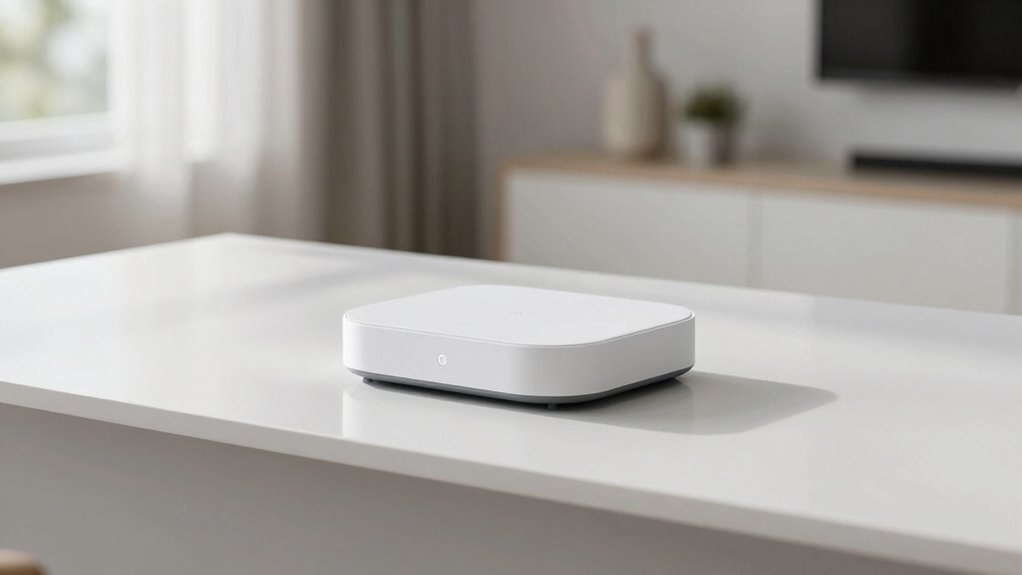

Visual simplicity makes home devices easier to use by focusing on clean designs that reduce distractions and highlight only essential functions. This straightforward approach helps you navigate controls quickly and confidently, especially if you have limited experience or visual impairments. It supports features like voice control and larger icons, making operation smoother and more accessible. Keep exploring to discover how these design choices can enhance your daily interactions with technology.
Key Takeaways
- Simplifies interfaces by emphasizing essential functions, reducing confusion and making devices easier to operate.
- Minimizes visual clutter, helping users quickly find and focus on key controls.
- Enhances accessibility by supporting features like larger icons and high-contrast modes.
- Supports voice control, allowing users to operate devices through clear, straightforward commands.
- Reduces cognitive load, making device interactions more intuitive and less overwhelming.
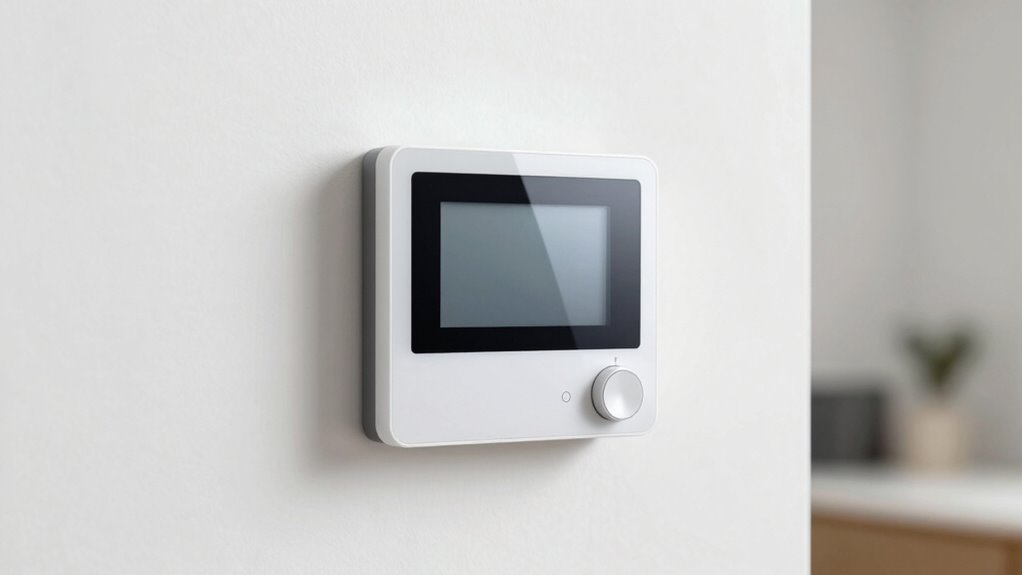
Have you ever struggled to operate a home device that’s supposed to make your life easier? If so, you’re not alone. Many people find modern devices overwhelming because of cluttered interfaces, confusing buttons, or complicated menus. That’s where visual simplicity comes into play. When home devices prioritize clean, straightforward designs, they become more intuitive and user-friendly. With fewer distractions on the screen and clear options, you can navigate settings quickly without frustration. This simplicity reduces the learning curve and helps you feel more confident using new technology.
One of the biggest advantages of visual simplicity is that it benefits everyone, especially those who rely on accessibility features. Devices with streamlined interfaces often include voice control options, allowing you to operate them with spoken commands. Voice control eliminates the need to decipher small icons or remember complex sequences, making the device more accessible for people with visual impairments or limited dexterity. When the interface is visually simple, voice commands become even more effective because the device’s responses are clear and straightforward, reducing misunderstandings and errors.
Furthermore, a clean design minimizes cognitive overload. Instead of bombarding you with numerous options, a simple interface highlights only the essential functions. This focus helps you stay oriented and reduces the chances of accidental settings changes. For example, a smart thermostat with a minimal display shows only temperature controls and a few preset options. You don’t need to sift through endless menus to find what you need. The fewer visual distractions, the easier it is to use the device efficiently, saving you time and effort. Additionally, visual clarity can help prevent errors caused by misinterpreting options or buttons. Incorporating user-centered design principles can further enhance usability by focusing on what users need most. Recognizing how design simplicity directly impacts user confidence can lead to more inclusive and effective device interfaces.
In addition, visual simplicity often correlates with better integration of accessibility features. Many home devices now come with customizable display options, larger icons, or high-contrast modes. These features make the interface more visible and easier to interpret, especially for users with visual impairments. When combined with voice control, these accessibility features create a seamless experience. You can see the essential controls at a glance and use your voice to perform tasks, making the device truly adaptable to your needs. This integration is supported by accessible design practices that prioritize inclusivity.
Ultimately, designing home devices with visual simplicity isn’t just about aesthetics. It’s about making technology accessible, easier to learn, and more comfortable to use daily. By reducing clutter and emphasizing clarity, manufacturers help you focus on what truly matters—whether that’s adjusting your thermostat, playing music, or turning on the lights—quickly and effortlessly. Incorporating visual simplicity into device design enhances user experience and fosters greater adoption of new technologies.

GHome Smart Plug, WiFi Smart Plugs Work with Alexa and Google Home, Smart Outlet Timer with APP Remote Control, 2.4GHz Wi-Fi Only, No Hub Required, ETL FCC Listed
- Stable WiFi Connection: Supports quick, stable 2.4GHz WiFi connection
- Voice Control Compatibility: Works with Alexa and Google Assistant
- Remote App Control: Control outlets remotely via app anywhere
As an affiliate, we earn on qualifying purchases.
As an affiliate, we earn on qualifying purchases.
Frequently Asked Questions
How Does Visual Simplicity Impact Device Troubleshooting?
Visual simplicity makes troubleshooting easier because you can quickly identify issues through clear icon clarity and strong color contrast. When icons are straightforward, you don’t waste time deciphering symbols, and high color contrast helps you spot alerts or errors instantly. This streamlined design guides you effortlessly through problem-solving steps, reducing confusion and frustration, so you can fix issues faster and keep your home devices running smoothly.
Can Simplicity Improve Accessibility for Users With Disabilities?
Breaking down barriers, simplicity can markedly boost accessibility for users with disabilities. You’ll find that reducing visual clutter lowers cognitive load, making devices easier to navigate. Clear icons and straightforward layouts help those with visual or cognitive challenges operate devices independently. By keeping things simple, you make technology more inclusive, ensuring everyone can use home devices without feeling overwhelmed or left behind.
What Design Principles Promote Visual Simplicity in Home Devices?
To promote visual simplicity in home devices, focus on clear design principles like high color contrast and icon clarity. Use bold colors that differentiate buttons and controls, making them easier to identify quickly. Simplify icons by using familiar shapes and minimal details, ensuring they’re instantly recognizable. Avoid clutter and unnecessary decorations, keeping the interface clean and straightforward. These principles help users navigate devices effortlessly, regardless of their tech experience or visual abilities.
How Does Minimalism Affect Device Customization Options?
Minimalism limits the number of visible options, which can reduce user customization choices. However, it enhances aesthetic appeal by creating a clean, uncluttered look that appeals to users seeking simplicity. You might find fewer customization features, but the overall design remains sleek and intuitive. This balance helps you focus on essential functions while enjoying a visually appealing device, making your experience more straightforward and satisfying.
Are There Risks to Oversimplifying Device Interfaces?
Yes, oversimplifying device interfaces can reduce user engagement by hiding essential features, leading to frustration or confusion. When interfaces lack clarity, users might struggle to find functions or understand how to operate devices effectively. Striking the right balance is vital; too simple, and you risk sacrificing functionality, but too complex, and users may feel overwhelmed. Clear, intuitive design enhances engagement while maintaining necessary features for maximum usability.
high contrast home automation controls
As an affiliate, we earn on qualifying purchases.
As an affiliate, we earn on qualifying purchases.
Conclusion
By embracing visual simplicity, you’re carving a clear path through the chaos, much like a lighthouse guiding ships safely home. When devices are straightforward and uncluttered, they become reliable companions, not puzzles to solve. This clarity transforms your space into a sanctuary, where technology serves you effortlessly. Remember, simplicity isn’t just design—it’s the beacon that makes your daily life smoother, turning complex tools into trusted allies that always lead you home with ease.

Amazon Basics Smart Plug, Works with Alexa Only, Voice Control, Remote APP Control, Schedule, Compact Design, Versatile, 2.4 GHz Wi-Fi, No Hub Required, 4-Pack, White
- Easy Alexa Setup: Quick and simple to connect with Alexa
- Remote Control & Scheduling: Manage devices remotely and set schedules
- Compact Design: Fits into one socket, saves space
As an affiliate, we earn on qualifying purchases.
As an affiliate, we earn on qualifying purchases.

Amazon Smart Thermostat, Save money and energy, Works with Alexa and Ring, C-wire required
- Voice Control Compatibility: Works with Alexa and Ring
- Energy Saving: Reduces energy usage and costs
- Smart Temperature Adjustment: Creates comfort zones with automation
As an affiliate, we earn on qualifying purchases.
As an affiliate, we earn on qualifying purchases.