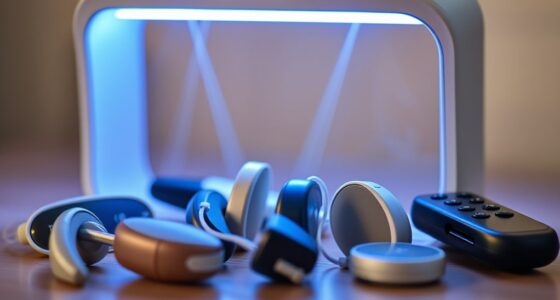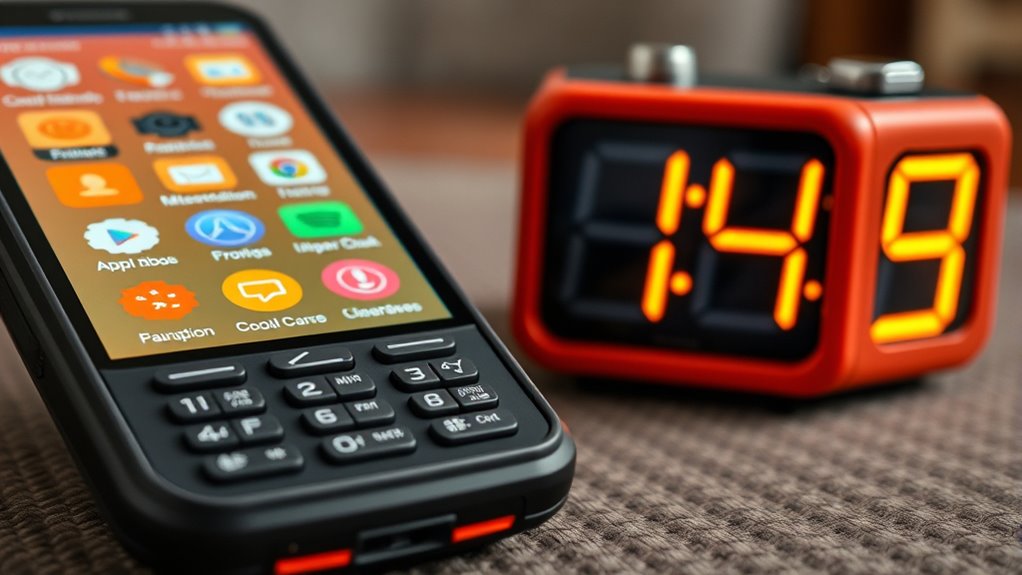

For visually impaired seniors, big and bold phones and clocks with tactile features and voice command capabilities are essential. These devices feature large, raised buttons, textured surfaces, and clear, high-contrast displays to make operation easier. Voice assistants enable hands-free use, while tactile cues help verify settings. Designed for simplicity and quick use, these devices boost independence and safety. Keep exploring to find out how these tools can truly transform daily life for you.

Turn quiet afternoons into listening time
- Thousands of audiobooks, podcasts and originals
- Listen on your phone, tablet or Echo — also offline
- Cancel anytime
Key Takeaways
- Devices feature large, bold displays with high contrast for easy readability in various lighting conditions.
- Clocks and phones incorporate tactile markings and raised buttons for quick, non-visual operation.
- Voice command capabilities allow hands-free control of calls, alarms, and time-telling functions.
- Simplified interfaces with minimal clutter enhance ease of use for visually impaired seniors.
- Designs prioritize durability, intuitive layout, and seamless integration into daily routines for independent living.
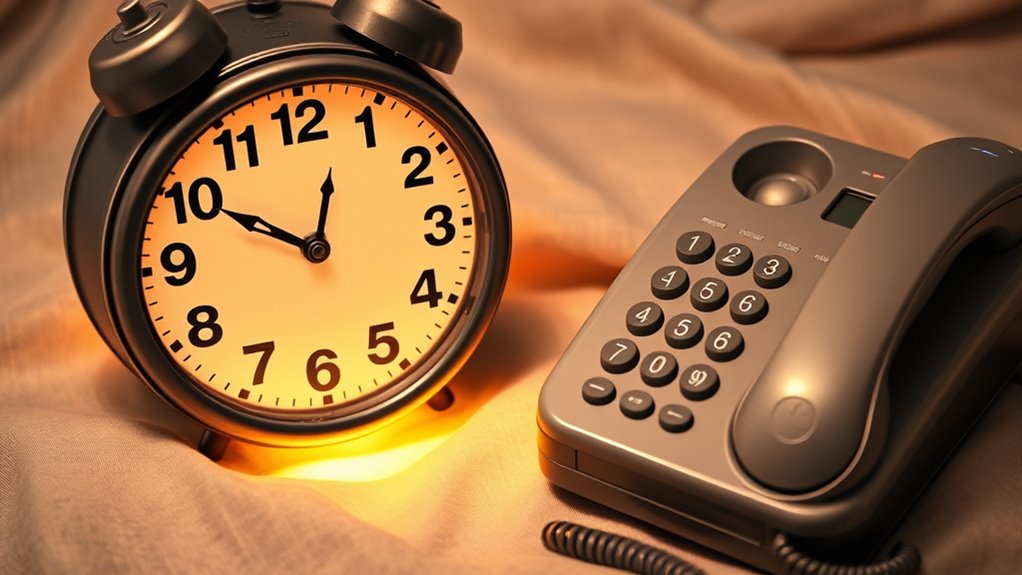
For visually impaired seniors, having access to easy-to-use phones and clocks can markedly enhance daily independence and safety. When choosing these devices, features like voice command capabilities and tactile features become essential. Voice commands allow you to operate your phone or clock hands-free, so you don’t have to struggle with small buttons or complex menus. Simply speaking your needs out loud, such as “call my daughter” or “what time is it,” activates the device, making it extremely convenient, especially if your vision is limited. Voice recognition technology has advanced to the point where it’s highly accurate, ensuring you can perform multiple tasks effortlessly. This hands-free approach not only boosts your confidence but also reduces frustration, making it easier to stay connected and aware of your environment.
Tactile features are equally important. These are physical cues like large, raised buttons, textured surfaces, or distinct shapes that you can feel easily. When a device has tactile features, you don’t need to rely on sight to operate it. For example, a clock with large, raised numbers or a phone with textured buttons helps you identify controls quickly. These features let you locate the right button or setting without fumbling around, saving time and minimizing errors. Many clocks designed for visually impaired users include tactile markings for hours and minutes, enabling you to tell the time by touch alone. Similarly, phones with tactile buttons often have a different texture or size for each key, so you can navigate your device confidently, even in low light or darkness.
Combining voice command technology with tactile features creates a powerful tool for independence. You can speak to your phone or clock to get information or perform functions, then use tactile cues to verify or adjust settings. This dual approach ensures you’re not solely dependent on one method of interaction. It’s especially helpful if your voice isn’t always clear or if you prefer tactile confirmation. These devices are designed with simplicity in mind, avoiding cluttered interfaces or confusing layouts. They’re built to be intuitive, so you can learn and operate them quickly, even if you’re not tech-savvy.
large button cell phones for seniors
As an affiliate, we earn on qualifying purchases.
As an affiliate, we earn on qualifying purchases.
Frequently Asked Questions
Are These Devices Compatible With Smart Home Systems?
Yes, these devices often support smart home integration, allowing you to control your smart devices seamlessly. They come with voice control features, making it easy to manage lights, thermostats, and security systems without hassle. Check the specific model’s compatibility, but generally, they’re designed to work with popular smart home platforms like Alexa, Google Assistant, or Apple HomeKit, helping you stay connected and independent.
What Is the Battery Life of These Phones and Clocks?
You’ll find that these phones and clocks generally offer good battery longevity, often lasting multiple days on a single charge. Their power management features help extend battery life, so you won’t need to recharge frequently. Keep in mind that usage levels and settings can affect overall performance. Regularly monitoring your device’s battery life guarantees you stay connected and aware, making these devices reliable companions for your daily needs.
Can These Devices Be Used Outdoors Easily?
Yes, these devices are designed for outdoor use, offering weather resistance to handle rain or sun. Their portability makes it easy for you to carry them around without hassle. You’ll find that their sturdy build guarantees they stay functional in various outdoor conditions, so you can confidently rely on them whether you’re walking in the park or running errands. This durability and portability help you stay connected and informed wherever you go.
Are There Options for Multilingual Support?
Like a multilingual mosaic, these devices often offer multilingual support, making communication seamless. You can customize the language settings easily, guaranteeing your loved ones feel comfortable and understood. Many models include multilingual accessibility features, allowing you to switch between languages effortlessly. This flexibility ensures that seniors can use the device confidently, regardless of their preferred language, making everyday tasks simpler and more inclusive for everyone.
How Easy Is It to Update the Device Software?
Updating the device software is straightforward; you just follow the simple user instructions provided. Typically, software updates are automatic or easy to initiate through the device’s settings menu, ensuring you stay current with minimal effort. Most devices notify you when updates are available, and you can complete them quickly. This design focuses on making software updates accessible and hassle-free, so you can keep your device working smoothly without technical difficulties.
tactile clock for visually impaired
As an affiliate, we earn on qualifying purchases.
As an affiliate, we earn on qualifying purchases.
Conclusion
By choosing large, bold phones and clocks, you can markedly improve your daily independence and confidence. Imagine Maria, a visually impaired senior who struggled with standard devices until she switched to accessible models; now, she easily makes calls and keeps track of time. These tools don’t just simplify your day—they empower you to stay connected and self-reliant. Prioritize accessibility, and you’ll find your everyday life becomes much more manageable and enjoyable.
As an affiliate, we earn on qualifying purchases.
high contrast digital clocks for elderly
As an affiliate, we earn on qualifying purchases.
As an affiliate, we earn on qualifying purchases.
Fall Picks
fall essentials
As an affiliate, we earn on qualifying purchases.