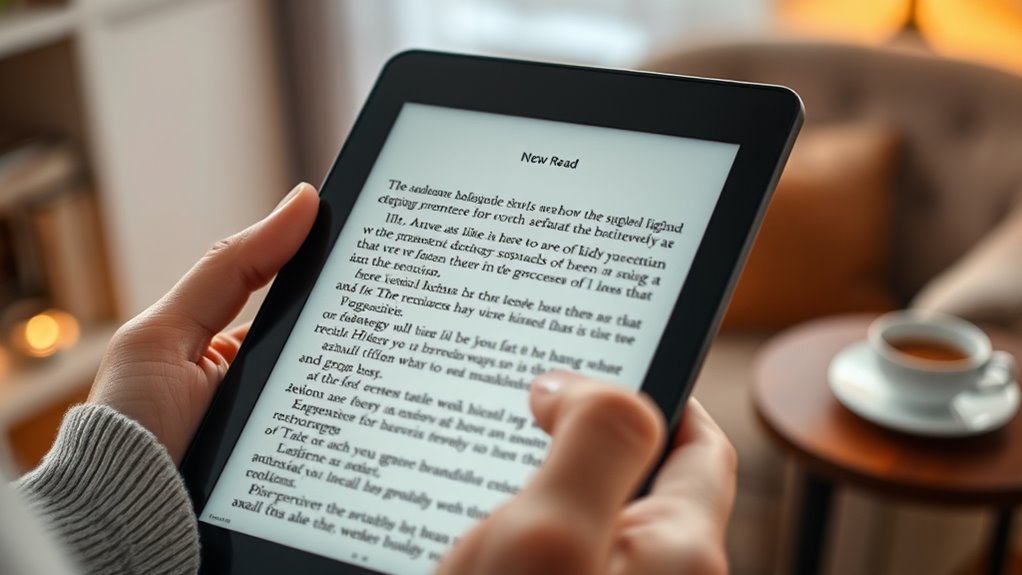

If you’re choosing between a tablet and an e-reader for your needs, consider how you prefer to read and your vision requirements. E-readers with e-ink screens mimic paper, reducing glare and eye strain, making them great for long sessions. Tablets offer customizable displays, larger screens, and multiple functions if you want versatility. Think about your comfort with device controls and portability. Keep reading to find out how to pick the best option to suit your unique needs.

Turn quiet afternoons into listening time
- Thousands of audiobooks, podcasts and originals
- Listen on your phone, tablet or Echo — also offline
- Cancel anytime
Key Takeaways
- E-readers with e-ink screens reduce glare and eye strain, ideal for comfortable, long reading sessions.
- Tablets offer customizable display settings and larger screens for versatile reading and multi-tasking needs.
- Devices with high-contrast screens and adjustable brightness support age-related vision changes effectively.
- Easy-to-use controls for font size and brightness enhance accessibility and independent reading.
- Consider device portability, preferred platforms, and primary reading habits to choose the most suitable option.
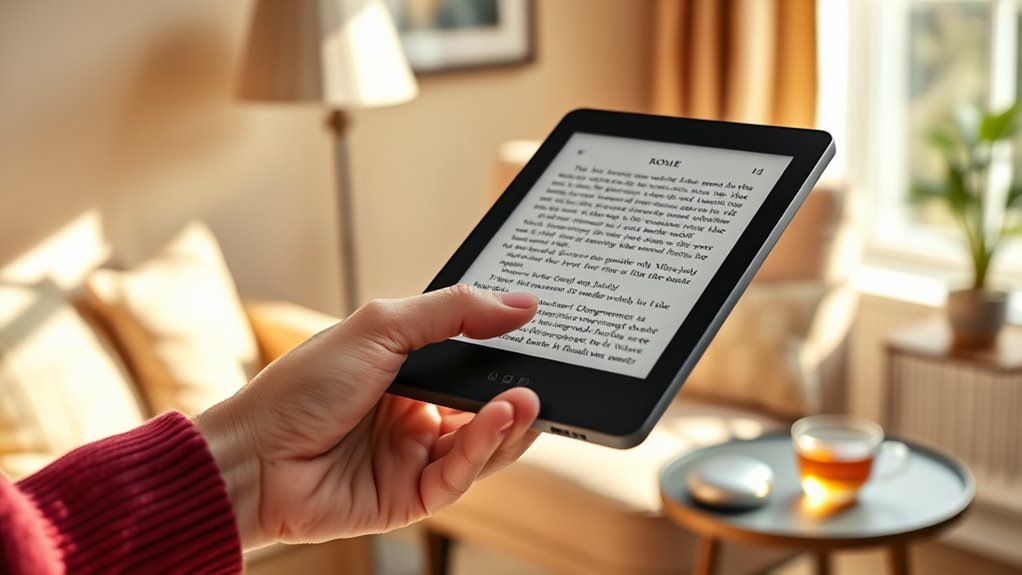
Finding the right reading device can substantially enhance your reading experience, especially if you face age-related vision changes. As you explore options, you’ll notice that features like large font and adjustable brightness become essential. These features make it easier to see the text clearly without straining your eyes. Whether you prefer a tablet or an e-reader, choosing a device with customizable display options allows you to tailor the reading experience to your comfort level. Large font options enable you to increase text size easily, reducing the need to squint or hold the device closer. Adjustable brightness lets you modify the screen’s light levels, ensuring you can read comfortably in different lighting conditions, whether in bright sunlight or a dim room. These features are designed to make reading more accessible and enjoyable, especially as your vision naturally changes with age.
When comparing a tablet to an e-reader, consider how each device supports these important features. E-readers, like the Kindle Paperwhite or Kobo, are often optimized for reading with e-ink screens that mimic paper, reducing glare and eye fatigue. Many e-readers also include built-in options for large fonts and adjustable brightness, which are straightforward to operate. Tablets, such as iPads or Fire tablets, usually have more versatile displays, allowing you to customize font size, style, and brightness across a variety of apps and reading platforms. They also offer additional functionalities like browsing the internet, playing games, or using apps, which can be beneficial if you want an all-in-one device.
However, your choice hinges on your reading habits and preferences. If you mostly read books in a quiet environment and prioritize eye comfort, an e-reader with a high-contrast, adjustable display might suit you best. On the other hand, if you want a device that combines reading with other activities, a tablet’s larger screen and adaptable features could serve you better. Whichever device you select, ensure that it offers intuitive controls for adjusting font size and brightness. This way, you can quickly modify settings to match your lighting and vision needs, reducing frustration and making reading more pleasant. Additionally, contrast ratio plays a significant role in ensuring text clarity and reducing eye strain, especially for those with age-related vision changes. The goal is to find a device that makes reading effortless and enjoyable, helping you stay engaged and connected through the power of a good book.
E-ink e-reader with adjustable brightness
As an affiliate, we earn on qualifying purchases.
As an affiliate, we earn on qualifying purchases.
Frequently Asked Questions
What Are the Main Differences Between Tablets and Ereaders?
Tablets and ereaders differ mainly in display and battery life. Tablets offer color options, vibrant screens, and versatile features like apps, but they usually have shorter battery life. Ereaders focus on e-ink screens that reduce glare and mimic paper, making them easier on your eyes, with longer battery life. If you want simple reading, an ereader’s better, but tablets suit those who enjoy multimedia and color.
How Do Screen Glare and Lighting Affect Reading Comfort?
Screen glare and lighting greatly impact your reading comfort. You should adjust screen brightness to match ambient light, reducing eye strain. Look for devices with glare reduction features, like matte screens or anti-reflective coatings, to minimize reflections. Proper lighting ensures you can read clearly without squinting or fatigue. By customizing brightness and reducing glare, you’ll enjoy a more comfortable, enjoyable reading experience, especially for extended sessions.
Can These Devices Support Audiobooks or Text-To-Speech Features?
Yes, these devices support audio playback and speech synthesis features, making audiobooks accessible and easy to navigate. You can listen to books via built-in speakers or connect headphones for private listening. Many ereaders and tablets offer text-to-speech options, allowing you to hear the text read aloud, which is especially helpful if you have visual challenges. These features enhance your reading experience and provide greater independence.
Are There Any Safety Concerns for Seniors Using Electronic Devices?
While electronic devices offer great benefits, you should stay mindful of privacy concerns and device security. Be cautious about sharing personal info and make certain your device has strong passwords or security features. Regular updates help protect against vulnerabilities. Using trusted apps and avoiding unfamiliar links also minimizes risks. Taking these steps keeps your device safe, so you can enjoy reading and other activities with confidence and peace of mind.
How Do Device Sizes Impact Portability and Ease of Use?
Larger devices tend to be heavier, affecting portability and making them harder to carry around. Smaller devices are easier to hold thanks to better hand grip ergonomics, reducing strain during extended reading. Consider your comfort with device weight and how easily you can grip it. If you prefer portability and ease of use, opt for a compact, lightweight device that fits comfortably in your hand and is simple to carry.
Senior-friendly tablet with large font options
As an affiliate, we earn on qualifying purchases.
As an affiliate, we earn on qualifying purchases.
Conclusion
Choosing the perfect device transforms your reading experience from mere pages to a portal of endless worlds. Whether you opt for a tablet or an e-reader, you’ll unseal a universe so vivid and accessible, it’s almost like having your own library at your fingertips—without ever leaving your armchair. With the right device, every story becomes an adventure so immersive, you’ll wonder how you ever read without it. Embrace the choice, and let your reading journey soar to new heights!
Easy-to-use e-reader for seniors
As an affiliate, we earn on qualifying purchases.
As an affiliate, we earn on qualifying purchases.
As an affiliate, we earn on qualifying purchases.
Cold & flu season Picks
humidifiers
As an affiliate, we earn on qualifying purchases.