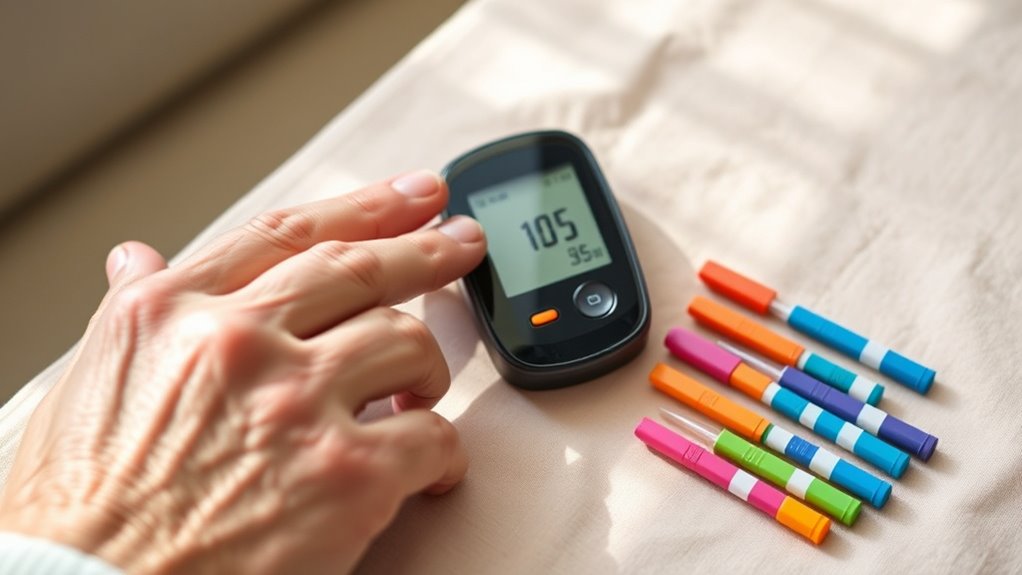

To choose a blood glucose monitor for an older adult, focus on ease of use, reliable accuracy, and portability. Look for features like large displays, simple menus, and accessible noise or talking options for visual impairments. Consider the size of blood samples, test frequency, and data storage for tracking. Make sure supplies are straightforward and affordable. If you want to learn about selecting the best device tailored to their needs, keep exploring for helpful tips.
Key Takeaways
- Prioritize devices with large displays, high contrast, and adjustable fonts for easy readability.
- Choose monitors with accessible features like voice commands, audible alerts, and large buttons for impairments.
- Ensure the device offers simple navigation, minimal buttons, and clear instructions to reduce user errors.
- Opt for models with reliable accuracy, easy calibration, and data management options for consistent monitoring.
- Consider portability, lightweight design, and affordability, along with insurance coverage and support services.
Assessing Ease of Use and Accessibility Features
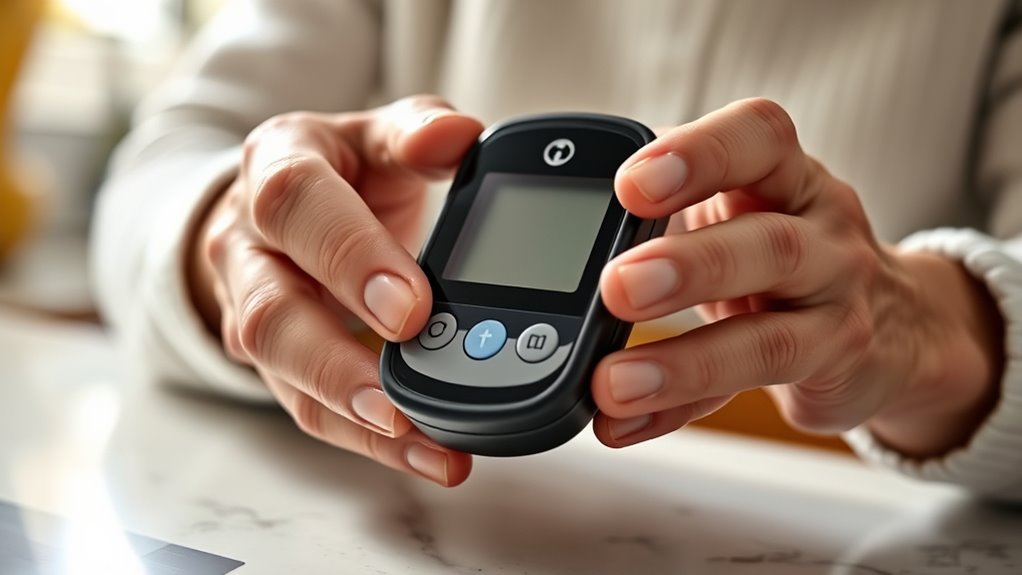
When choosing a blood glucose monitor, evaluating its ease of use and accessibility features is essential. Look for devices that support voice commands, allowing you to operate them hands-free or with minimal effort, which can be especially helpful if dexterity is an issue. Color coding is another useful feature; it quickly indicates whether your blood sugar level is within a healthy range, making it easier to interpret results at a glance. Consider how simple it is to navigate menus, read the screen, and perform tests without confusion. An intuitive design minimizes frustration and reduces the chance of errors. Accessibility features like large buttons, clear instructions, and compatibility with assistive devices further ensure that the monitor suits your needs and promotes confidence in managing your health. Additionally, understanding contrast ratio can help you select devices with screens that offer optimal visibility in various lighting conditions. Incorporating user-friendly interfaces can also enhance overall usability, ensuring that older adults can manage their diabetes effectively. Furthermore, selecting devices with ergonomic design can reduce strain during testing and improve overall comfort. Being aware of visual accessibility options can assist users with impaired vision in choosing suitable devices.
Considering Accuracy and Reliability

While ease of use helps you operate your blood glucose monitor confidently, ensuring its accuracy and reliability is essential for effective diabetes management. Look for a monitor with consistent blood glucose sensitivity, which indicates it responds accurately across different glucose levels. Reliable monitors should have clear instructions for monitoring calibration, helping you maintain precise readings over time. Check reviews and validation studies to verify the device’s accuracy compared to laboratory tests. A monitor that offers dependable results minimizes the risk of incorrect dosing or unnecessary worry. Remember, even the simplest device isn’t helpful if it provides inaccurate data. Prioritize monitors with proven accuracy and easy calibration processes to support your loved one’s health and confidence in managing their condition. Additionally, consider the Free Floating technology, which can enhance measurement stability and reduce errors caused by environmental factors. Incorporating quality control features can further ensure consistent performance and trustworthy results over time.
Evaluating Size, Portability, and Design

When choosing a blood glucose monitor, consider how compact and lightweight it is for easy carrying. Make sure the display is clear and easy to read, so you can check your results quickly. A user-friendly interface will make testing simpler and more efficient every day. Additionally, selecting a device with accurate measurement ensures reliable readings to manage health effectively. It’s also helpful to choose a monitor with reliable performance to minimize errors and provide peace of mind during regular testing. To ensure consistent results, look for monitors that are designed with field‑of‑view considerations, which can help in obtaining precise measurements regardless of user positioning. Incorporating features that address ease of use can further support older adults in managing their condition comfortably. Furthermore, choosing a device with user-friendly interface can significantly reduce frustration and make daily testing less intimidating.
Compact and Lightweight
A compact and lightweight blood glucose monitor is essential for anyone who values portability and convenience. Look for a device with a compact design that easily fits into pockets or small bags, making it simple to carry everywhere. Lightweight materials guarantee the monitor doesn’t feel bulky or heavy, reducing strain during daily use. A slim profile and minimal bulk help your older adult stay mobile without sacrificing functionality. Choosing a monitor with these features makes testing more accessible and less intimidating, especially for those with limited strength or dexterity. The right balance of size and weight allows for quick, discreet testing, encouraging consistent blood glucose monitoring. Prioritize these qualities to find a device that seamlessly fits into daily routines. European cloud innovation also emphasizes the importance of reliable, energy-efficient technology in healthcare devices. Additionally, ergonomic design can greatly improve ease of use for older adults, making the testing process more comfortable. Incorporating smart technology can further enhance the monitoring experience by providing seamless data tracking and sharing. Furthermore, selecting a device with durable materials ensures longevity and sustained performance over time. Considering device connectivity can also facilitate easier data management and communication with healthcare providers.
Clear Display Readability
A clear and easily readable display is essential for accurate blood glucose monitoring, especially for those with visual impairments or limited dexterity. Look for monitors with larger font size and adjustable contrast settings to improve visibility. A well-designed display reduces errors and boosts confidence in your readings. Consider the monitor’s portability—compact devices are easier to handle and carry.
| Feature | Importance | Tips |
|---|---|---|
| Font size | Ensures text is legible at a glance | Opt for larger fonts when possible |
| Contrast settings | Enhances readability in different lighting | Choose models with adjustable contrast |
| Screen brightness | Improves visibility in various environments | Test in your typical lighting conditions |
| Display clarity | Reduces misreading risks | Prioritize high-resolution screens |
| Size and design | Affects ease of use and portability | Pick a device that fits comfortably in your hand |
User-Friendly Interface
A user-friendly interface makes blood glucose monitoring straightforward and stress-free. Look for a monitor that offers clear, simple controls and easy-to-read displays. Voice prompts can assist those with vision challenges, guiding them through each step. Multi-language support guarantees the device is accessible to users who prefer different languages, making it more inclusive. Consider the size and portability of the monitor; a compact, lightweight device is easier to carry and handle. The design should be intuitive, with minimal buttons and straightforward navigation. A device with large, tactile buttons and a clear menu can reduce frustration. Overall, a well-designed interface enhances independence and confidence, making daily blood glucose testing less of a hassle for older adults. Additionally, options like customizable alerts can help users manage their readings more effectively and reduce anxiety. Incorporating intuitive navigation features can further simplify the testing process, especially for users with limited dexterity or tech experience. Paying attention to accessibility features ensures the device accommodates various physical and sensory needs, promoting easier use. For example, antiglare screens can improve visibility for users with visual impairments. Selecting a monitor with easy-to-clean surfaces can also support better hygiene and maintenance.
Examining Sample Size and Testing Frequency

Choosing the right monitor means understanding how many tests you’ll need each day and how many samples are required for accurate readings. Your recommended testing frequency can impact your blood data’s reliability and help manage your health effectively. Make sure to select a device that balances sample size and testing needs to fit your routine. Additionally, researching vetted models can help ensure you select a device with proven accuracy and reliability. Considering the efficiency ratings of different monitors can also aid in choosing a device that maximizes performance and minimizes testing time. Evaluating sample size requirements can further optimize your testing process and ensure consistent results. Being aware of test consistency can help you choose a monitor that provides stable and reliable readings over time.
Adequate Test Sample Size
Since your blood glucose monitor’s accuracy depends on testing the right number of samples, understanding the importance of an adequate test sample size is vital. A proper test sample size ensures reliable blood testing results, reducing errors and improving diabetes management. If the sample size is too small, readings may fluctuate or be inaccurate.
| Sample Size | Blood Testing Accuracy |
|---|---|
| Small | Less reliable |
| Adequate | Consistent results |
| Large | Higher confidence |
Choosing a monitor that requires an appropriate test sample size helps you get precise readings. Keep in mind, more blood testing isn’t always better—balance is key for accurate monitoring without unnecessary discomfort.
Testing Frequency Recommendations
Balancing the right test sample size with appropriate testing frequency is key to effective blood glucose monitoring. For older adults, you should tailor your monitoring routines based on blood sugar levels and overall health. If blood sugar levels fluctuate frequently or are poorly controlled, testing multiple times daily may be necessary. Conversely, stable readings might require less frequent testing. The goal is to gather enough data to identify patterns without overburdening your routine. Consult your healthcare provider for personalized recommendations. Remember, consistent testing helps you understand how different foods, activities, and medications affect blood sugar levels. Adjust your testing frequency as needed, ensuring your monitoring routines remain manageable while providing accurate insights into your health.
Impact on Blood Data
The amount of blood data collected depends considerably on both sample size and testing frequency, directly impacting your ability to detect meaningful patterns. More frequent testing provides a detailed picture of blood sugar fluctuations, revealing how glucose levels respond to meals, activity, or medication. A larger sample size ensures you gather enough data to identify trends and inconsistencies in blood sugar levels over time. Conversely, infrequent testing may miss critical variations, making it harder to manage diabetes effectively. Consistent, strategic testing helps you understand how different factors affect your glucose levels, enabling better control. Ultimately, increasing your sample size and testing regularly improves the accuracy of blood sugar monitoring, giving you clearer insights for making informed health decisions.
Reviewing Memory and Data Storage Options

When evaluating blood glucose monitors, paying attention to memory and data storage options is essential because these features directly impact how easily you can track and manage your readings. Look for a device with sufficient memory capacity to store multiple readings over days or weeks, reducing the need for frequent downloads. Consider whether the monitor offers data backup options, such as storing readings in the cloud or exporting data to a computer or app. This guarantees that your blood sugar history remains safe even if the device is lost or damaged. Additionally, check if the monitor allows easy transfer of data, which can simplify sharing information with healthcare providers. Clear, accessible memory and data backup features help maintain accurate records and support better diabetes management.
Ensuring Compatibility With Other Devices and Apps

To get the most out of your blood glucose monitor, you need to check its device integration capabilities and app compatibility features. Make sure it easily shares data with your smartphone or other health devices, so tracking stays seamless. Consider how the data sharing options work to guarantee your information is accessible wherever you need it.
Device Integration Capabilities
Ensuring that your blood glucose monitor can seamlessly connect with other devices and apps can make managing your diabetes much easier. Look for monitors with strong device connectivity and reliable app integration, so your data flows smoothly. This can help you track your readings more efficiently and share information with your healthcare team. When evaluating options, consider:
- Compatibility with your smartphone or tablet
- Bluetooth or Wi-Fi options for quick data transfer
- User-friendly apps that display trends clearly
A monitor with solid device connectivity reduces manual entry errors and saves time. App integration ensures your health data is centralized, making it easier to monitor your condition and adjust your routine accordingly. Prioritize these features to simplify your diabetes management.
App Compatibility Features
Choosing a blood glucose monitor with strong app compatibility can considerably streamline your diabetes management. Look for a device with an intuitive app interface that makes tracking your readings simple and quick. Compatibility with your smartphone or tablet allows for seamless data transfer and easier monitoring. Additionally, check if the app offers regular device updates, which improve functionality and security over time. Compatibility with other health apps can enable you to integrate your glucose data with overall wellness tools, giving you a comprehensive view of your health. Make sure the monitor’s app works smoothly with your device’s operating system, whether iOS or Android, to avoid frustration. Prioritizing app compatibility helps you stay organized, informed, and in control of your health.
Data Sharing Options
Having a glucose monitor that can share data seamlessly with other devices and apps enhances your overall management routine. It guarantees quick access to blood sugar trends and simplifies communication with healthcare providers. When evaluating data sharing options, consider:
- Compatibility with your existing smartphone or tablet to avoid connection issues
- Security protocols that protect your data from breaches
- Privacy settings that allow you to control who sees your information
Prioritize monitors with strong data security to prevent unauthorized access. Check if the device offers customizable privacy settings, so you can decide what information to share and with whom. Seamless data sharing improves your ability to manage diabetes confidently and securely, keeping your health information protected at all times.
Selecting User-Friendly Testing Supplies and Reagents
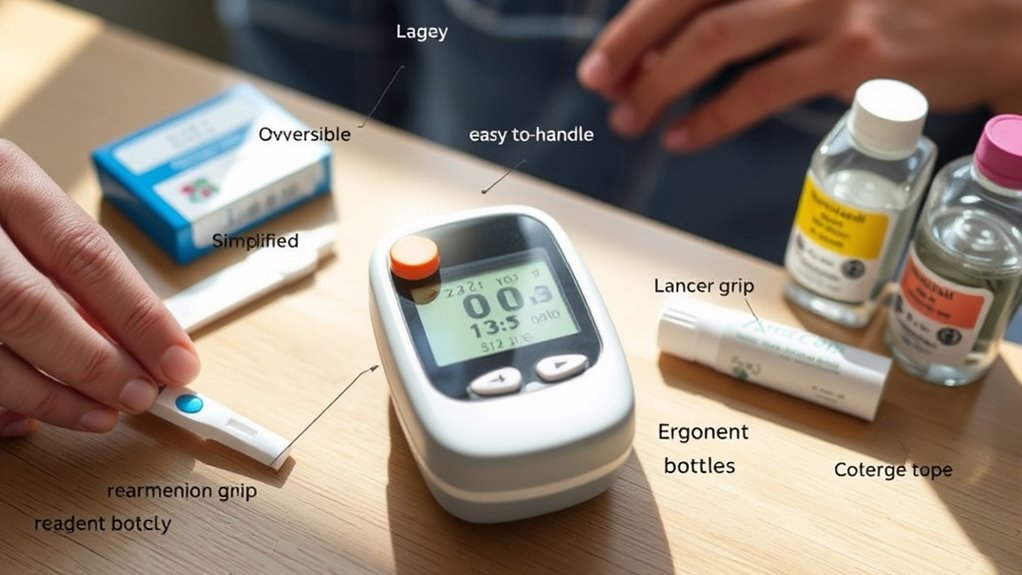
Selecting user-friendly testing supplies and reagents can make managing your blood glucose levels much easier and less frustrating. Look for lancets that are gentle and easy to handle, reducing discomfort during blood sample collection. Choose test strips that are simple to insert and require minimal effort, which can be especially helpful for those with limited dexterity. Reagent stability is also vital—select supplies with long shelf life and clear storage instructions to ensure accurate results. Opt for test kits that come with clear, easy-to-read instructions designed for older adults. This reduces the chances of errors and makes testing a quicker, less stressful process. Overall, user-friendly supplies help you maintain consistent testing habits and keep your blood glucose levels well-managed.
Understanding Cost, Insurance Coverage, and Reimbursement
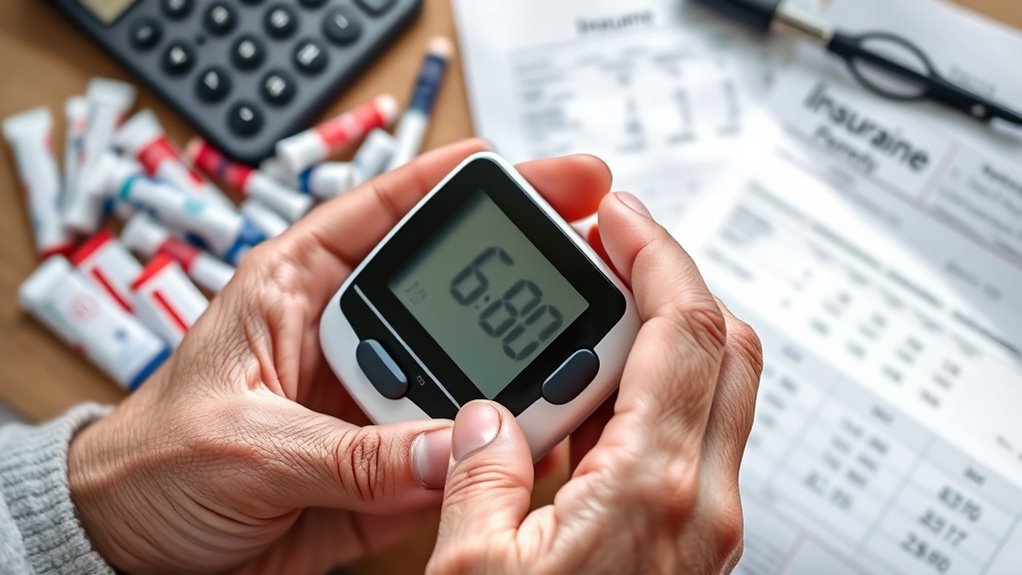
Understanding the costs associated with blood glucose monitors and supplies is key to managing your diabetes effectively. Insurance policies and the reimbursement processes can considerably impact what you pay out of pocket. To navigate this, consider:
- Checking if your insurance covers the monitor and supplies fully or partially
- Understanding how to submit claims for reimbursement
- Comparing costs among different brands and suppliers
Knowing your insurance coverage helps you avoid unexpected expenses and ensures you get the necessary supplies. Contact your provider to clarify coverage details and ask about any required documentation for reimbursement. Being proactive about understanding these aspects can save you money and reduce stress, so take the time to review your insurance policies and stay informed about your options.
Checking for Supportive Features for Visual or Motor Impairments
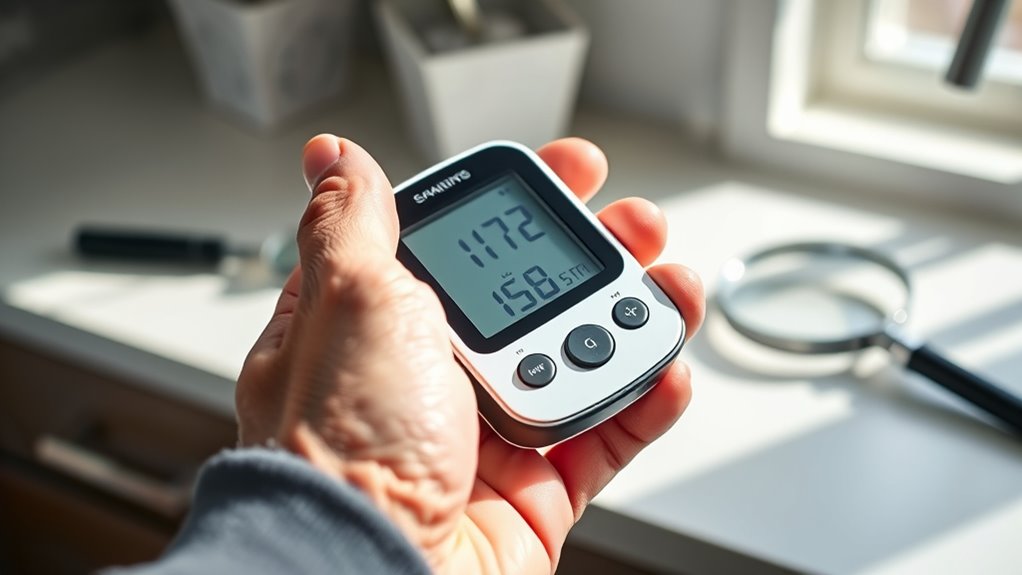
If you have visual or motor impairments, it’s important to check whether a blood glucose monitor offers supportive features that can make testing easier. For visual impairments, look for devices with clear, large displays, audible alerts, or talking functions that provide visual impairment accommodations. These features help you accurately read results without straining your eyes. For motor impairments, consider monitors with large, easy-to-press buttons, simple interfaces, or one-handed operation options that support motor impairment support. Some devices also feature ergonomic designs to reduce the effort needed to handle them. Ensuring your monitor includes these supportive features can improve safety, independence, and comfort during blood sugar testing, making daily management less stressful and more accessible.
Consulting Healthcare Professionals for Personalized Recommendations

Consulting healthcare professionals guarantees you choose a blood glucose monitor tailored to your unique needs. A professional consultation provides personalized advice based on your health history, lifestyle, and specific challenges. During your appointment, your healthcare provider can recommend devices that suit your motor skills, vision, and ease of use. They can also help interpret your blood sugar patterns and suggest features that support better management. Keep in mind these benefits:
Consult healthcare professionals to find a blood glucose monitor tailored to your needs and lifestyle.
- Expert guidance on selecting the right monitor
- Customized advice for your health situation
- Tips on integrating the device into your daily routine
Frequently Asked Questions
How Long Does the Battery Last on Average?
On average, the battery life of a blood glucose monitor lasts about 3 to 6 months. This depends on the monitor’s power consumption and how often you use it. Devices with lower power consumption tend to last longer between replacements. To avoid unexpected outages, check the monitor’s specifications and set reminders to replace the batteries as recommended by the manufacturer. Proper maintenance guarantees consistent, reliable readings.
Are There Any Safety Features for Accidental Needle Sticks?
Like a fortress guarding its treasure, many monitors feature safety locks and needle shields to prevent accidental needle sticks. These safety features act as barriers, making it safer for your loved one to use. The safety lock prevents unintentional activation, while the needle shield covers the sharp tip after use. Together, they help keep everyone secure, reducing risks and ensuring peace of mind during blood sugar testing.
Can the Monitor Be Used by Multiple Users?
Yes, you can use a shared device, but look for monitors with multiple user profiles. These profiles let each person store their readings separately, making it easy to track individual health data. When choosing a monitor, make sure it supports multiple users and that it’s easy for the older adult to switch profiles. This way, everyone gets accurate readings without confusion or cross-contamination.
What Is the Typical Lifespan of the Device?
Did you know that most blood glucose monitors last between 3 to 5 years? You should expect your device’s durability to match this range, but frequent drops or rough handling can shorten its lifespan. To guarantee accurate readings, plan for replacement when the monitor shows signs of malfunction or outdated technology. Regularly check your device and follow manufacturer guidelines to maximize its longevity and reliability for your health needs.
Are There Any Warranties or Service Plans Available?
Many blood glucose monitors come with device warranty options and dedicated customer support to help you if issues arise. When shopping, check if the manufacturer offers a warranty period, typically one to three years, and whether they provide reliable customer support services. This guarantees you can get repairs or replacements quickly, giving you peace of mind and confidence in your device’s longevity and performance.
Conclusion
Choosing a blood glucose monitor is like finding the right compass for a journey. It guides your loved one safely through their daily routine, making each step easier and more confident. By considering features that suit their needs, you’re ensuring they stay on the right path. Trust your instincts and consult professionals, but remember—selecting the right monitor is about empowering them to navigate their health with independence and peace of mind.