
To improve your TV sound setup for better senior hearing, focus on choosing wireless headphones with clear voice enhancement and noise reduction features. These make speech easier to understand and reduce background noise. Look for models with simple controls and quick pairing options to keep things effortless. Enhancing your TV’s sound settings or adding external audio systems can also boost clarity. Keep exploring to discover more ways to create a comfortable, accessible viewing experience tailored just for you.

Turn quiet afternoons into listening time
- Thousands of audiobooks, podcasts and originals
- Listen on your phone, tablet or Echo — also offline
- Cancel anytime
Key Takeaways
- Use wireless headphones with voice-enhancement and noise reduction features for clearer speech.
- Ensure headphones are comfortable, lightweight, and easy to operate with simple controls.
- Optimize TV audio settings with speech enhancement or AI-driven technologies for better clarity.
- Select headphones with seamless Bluetooth or wireless compatibility and automatic pairing.
- Combine external sound systems or soundbars with personalized audio settings for a tailored listening experience.
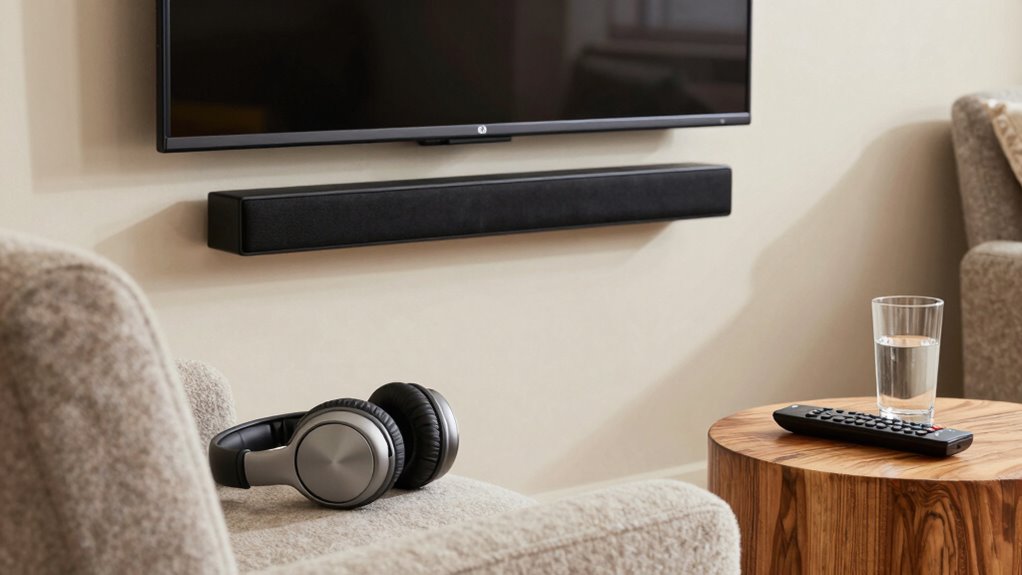
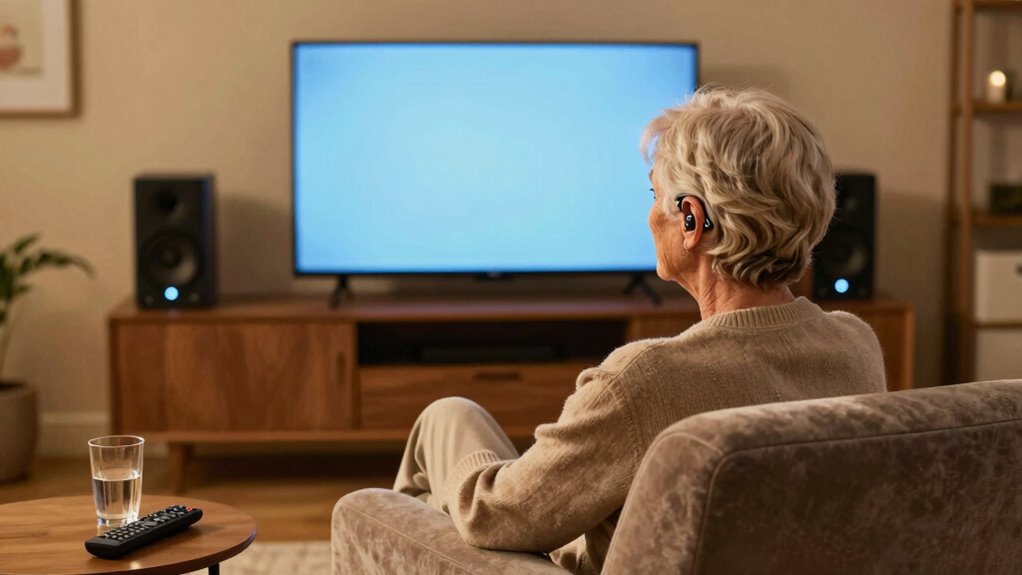
Watching TV should be an enjoyable experience, but for many seniors, hearing the sound clearly can be a challenge. If you find yourself struggling to catch every word or feeling frustrated by background noise, upgrading your sound setup can make a significant difference. One of the most effective solutions is using wireless headphones, which help you focus on speech clarity without disturbing others or dealing with cluttered wires. Wireless headphones deliver sound directly to your ears, minimizing background noise and making dialogue easier to understand. They’re especially helpful if you’re hard of hearing or if your TV’s built-in speakers aren’t powerful enough.
Wireless headphones improve speech clarity and comfort for seniors watching TV.
When selecting wireless headphones, look for models specifically designed for speech clarity. These often feature advanced sound processing that emphasizes voices while reducing ambient noise. This technology improves filtration/suction basics, ensuring clearer audio and reducing unwanted sound interference. This way, you can hear conversations more clearly without having to turn up the volume excessively, which can be uncomfortable or damaging to your ears. Comfortable fit is equally important, so choose headphones with adjustable ear cups or padded headbands. Long movie nights or binge-watching sessions are more enjoyable when your headphones stay comfortable and secure. Additionally, choosing headphones with easy-to-use controls can make adjusting settings more straightforward, especially for those less familiar with technology.
A good TV sound setup for seniors isn’t just about the headphones; it’s also about optimizing your overall audio environment. Many modern TVs allow you to connect external audio devices or sound systems that enhance clarity. Some models include built-in settings for speech enhancement, which can make voices stand out more prominently. Additionally, selecting appropriate audio settings can significantly improve the listening experience. Incorporating audio customization options can further tailor the sound to your personal preferences. In addition, understanding how AI-powered audio technologies can assist in enhancing speech clarity is beneficial for maximizing your hearing experience. However, for those who want a more personalized experience, wireless headphones give you control over volume and sound quality without affecting others in the room. This flexibility means you can enjoy clear speech without disturbing family members or roommates.
Another key aspect is ease of use. Look for wireless headphones that are simple to pair with your TV and come with intuitive controls. Many models feature one-touch pairing or automatic connection, so you don’t have to fiddle with complicated settings. Once connected, you can adjust the volume and sound modes effortlessly, ensuring you get the clearest possible audio experience. Compatibility is also important; verify that your headphones work seamlessly with your TV’s Bluetooth or wireless technology.
Ultimately, a well-thought-out TV sound setup for seniors centers on enhancing speech clarity while providing comfort and ease of use. Wireless headphones are a practical investment, offering a direct, personalized audio experience that helps you enjoy your favorite shows and movies without frustration. Combining these with sound settings on your TV or external sound systems creates an environment where speech is crisp, clear, and easy to follow—making every viewing session more enjoyable and accessible.
wireless headphones with voice enhancement for seniors
As an affiliate, we earn on qualifying purchases.
As an affiliate, we earn on qualifying purchases.
Frequently Asked Questions
How Do I Connect Hearing Aids to My TV Sound System?
To connect hearing aids to your TV sound system, make sure they are hearing aid compatible, like with Bluetooth-enabled models. Use a Bluetooth transmitter connected to your TV’s audio output, then pair your hearing aids with it. Adjust the TV audio settings for clarity and volume, optimizing your TV audio adjustment. This setup delivers better sound quality directly to your hearing aids, making your TV experience clearer and more enjoyable.
What Is the Best Type of Speakers for Seniors?
For seniors, the best type of speakers are quality, easy-to-use options like soundbars or bookshelf speakers. You should focus on proper speaker placement—placing them at ear level and avoiding obstructions—to enhance clarity. Sound calibration is vital; adjust settings to boost dialogue and reduce background noise. This combination guarantees clearer sound, making TV listening more comfortable and enjoyable for seniors with hearing challenges.
Can I Customize Sound Settings for Different Hearing Needs?
Did you know that 70% of seniors experience some hearing loss? You can definitely customize sound settings for different hearing needs by using personalized adjustments and hearing profile customization features on your TV. These options allow you to fine-tune audio, emphasizing speech clarity or reducing background noise. This way, you get a tailored listening experience, making it easier to enjoy your favorite programs without straining your ears.
Are Wireless Options More Suitable for Senior Users?
Wireless options are generally more suitable for senior users because of their convenience and ease of use. With wireless setups, you avoid tangled cords and can enjoy seamless movement. Many wireless devices are also hearing aid compatible, making it easier for seniors to connect directly to their hearing aids. This combination of wireless convenience and hearing aid compatibility creates a more accessible, comfortable, and enjoyable TV listening experience for seniors.
How Can I Reduce Background Noise During TV Listening?
Imagine you’re in a quiet forest clearing, free from rustling leaves. To reduce background noise during TV listening, use soundproofing techniques like heavy curtains or acoustic panels to block ambient sounds. Noise-canceling devices, such as headphones or soundbars with active noise cancellation, further help by filtering out unwanted noise. Combining these methods creates a peaceful atmosphere, allowing you to focus on the TV’s sound and enjoy your favorite shows without distractions.
As an affiliate, we earn on qualifying purchases.
Conclusion
With the right TV sound setup, you create a clear, welcoming oasis where every word and note flows effortlessly, like a gentle stream avoiding rocky waters. It’s your personal bridge, guiding you smoothly across the river of sound, so you never miss a beat. When your hearing feels supported and the dialogue is crystal clear, your TV becomes more than just a screen—it transforms into a cozy sanctuary where stories come alive, just for you.
Bluetooth headphones for seniors
As an affiliate, we earn on qualifying purchases.
As an affiliate, we earn on qualifying purchases.
TV external audio system for hearing impairment
As an affiliate, we earn on qualifying purchases.
As an affiliate, we earn on qualifying purchases.
Fall Picks
fall essentials
As an affiliate, we earn on qualifying purchases.